


Author
Julia Haleniuk
Articles
36 articles

All shipped: The 20 improvements that make UXPin 2.0
See the list of 20 improvements to UXPin. See our comprehensive roadmap that brings our customers the best experience possible.
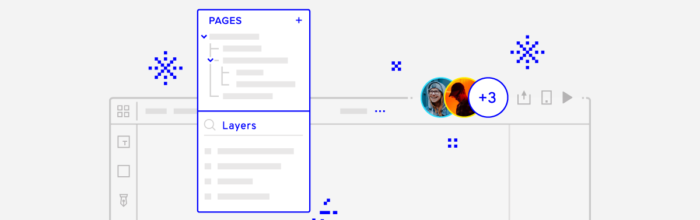
New Pages Panel and UI Changes
We’ve launched an improved Pages panel and top bar! Part of a comprehensive roadmap to bring our customers the best experience possible.

Improved Guides, Pencil Tool, and Adding Images in Bulk

Overhauled View Settings for easier access
UXPin's overhauled View settings bring some much-needed options like toggles for rulers, hotspots, and the pixel grid. Read more...

What’s New in August & September
While working on our next improvements and features as part of the UXPin 2.0 release in November, we wanted to share the updates with you!

The Strikingly Precise Zoom
Working in a design tool all day requires it to be as streamlined as posssible. The new Zoom options in UXPin elevate your experience - learn how we did it.
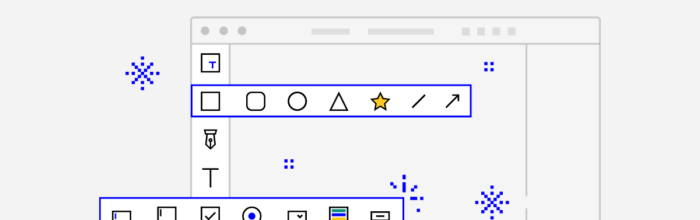
Better Quick Tools are here – more intuitive and faster than ever
See what changes regarding Quick Tools we made to the ever-improving UXPin editor.

Changelog: What’s New in July | UXPin
Find out what's new in the development industry and UXPin in July's Changelog.

What’s New in June
UXPin software changelog and updates as of July 2019. Check out what's new with us.

Unleashing the Full Potential of Components in UXPin
Today Components replace symbols in UXPin. They are much more streamlined, easy to use and a lot easier to use.

The Whole New Sketch Import: Drop Them All
Import your Sketch files with a simple drag and drop, edit every layer, and create fully interactive prototypes. It’s *that* easy.

What’s New in May
Discover new features at UXPin: smart grid design, video and soud for prototyping, new knowledge base, user flows library, and more...

UXPin Tips and Tricks You Need to Know – Part 2
UXPin tips and tricks you need to know - the second part of UXPin's guide to better workflow and easier collaboration with our tool.

Meet UXPin Docs, Our New Knowledge Base
Meet UXPin Docs, the new knowledge base where all the FAQ are answered. Learn how to work with UXPin from tutorials, how-tos, and best practices.

What’s New in April
What's changed in UXPin in April 2019: collaboration and list view, ready-to-use UXPin Documents, UXPin community on Spectrum, new keyboard shortcuts.