


Author
Andrew Martin
Articles
371 articles
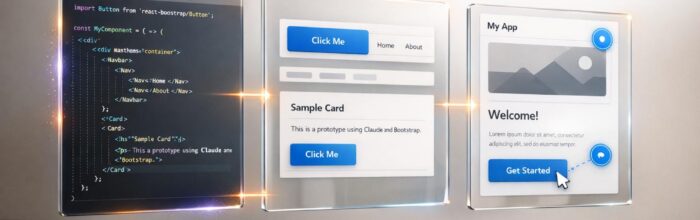
Prototype with Claude Opus 4.5 + Bootstrap
Generate production-ready React Bootstrap components with AI and import them into your design system to build interactive prototypes and speed design-to-code.

Prototype with Claude Opus 4.5 + Ant Design
Create production-ready prototypes using AI-generated layouts, Ant Design components, and UXPin Merge to align design with production code and speed development.

Prototype with Claude Opus 4.5 + shadcn/ui
Build production-ready React prototypes by combining Claude Opus 4.5, shadcn/ui components, and UXPin Merge for faster design-to-code workflows.

How to prototype using Claude Opus 4.5 + MUI – Use UXPin Merge!
Build production-ready interactive prototypes by combining Claude Opus 4.5, MUI, and UXPin Merge to close design-to-development gaps.

Prototype with GPT-4.1 + Custom Design Systems
Create production-ready React prototypes fast by using GPT-4.1 with UXPin Merge to generate, refine, and export clean JSX from your design system.
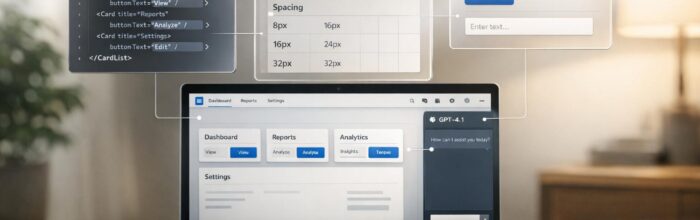
How to prototype using GPT-4.1 + Bootstrap – Use UXPin Merge!
Create production-ready Bootstrap prototypes with GPT-4.1 and UXPin Merge—generate React components, sync design tokens, test interactions, and export JSX for development.

We built an AI design tool that works with your actual React components

How to prototype using GPT-4.1 + Ant Design – Use UXPin Merge!
Generate production-ready React prototypes with AI that creates code-backed components, real interactions, and seamless design-to-development handoffs.
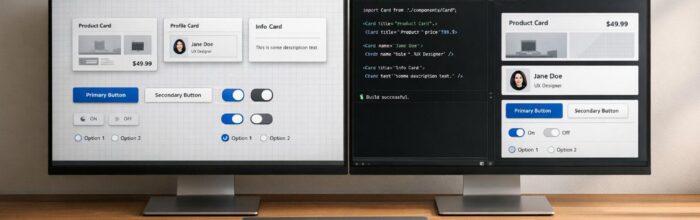
The Rise of Code-Based Prototyping: Why Teams Are Moving to UXPin
Design with production-ready code components to eliminate handoffs, reduce errors, and accelerate product launches using code-based prototyping.

Best Figma Alternative for Enterprise Design Teams
Code-backed design using production components that reduces engineering time, adds AI-driven layouts, and provides enterprise security for large teams.

Design-to-Code Tools: UXPin’s Advantage Over Visual-Only Platforms
Compare UXPin's code-based design with visual-only tools—use real production components to cut handoffs, reduce errors, and scale design systems.

Why Dev and Design Teams Choose Code-Based Design
Why development teams adopt code-based design: production-ready components, faster iterations, and fewer handoff errors than Figma.

How to prototype using GPT-4.1 + shadcn/ui – Use UXPin Merge!
Use GPT-4.1 with shadcn/ui in UXPin Merge to generate real React prototypes from prompts, customize components, and export production-ready code.

How to prototype using GPT-4.1 + MUI – Use UXPin Merge!
Combine GPT-4.1 with MUI in UXPin Merge to quickly generate, refine, and export production-ready React prototypes using code-backed components and interactive testing.

How to prototype using GPT-5 Mini + Custom Design Systems – Use UXPin Merge!
Turn text prompts into production-ready, code-backed prototypes using GPT-5 Mini and UXPin Merge that adhere to your design system.