


Author
Andrew Martin
Articles
371 articles

How to Build Production-Ready Prototypes with Code in UXPin
Build production-ready, code-backed prototypes by syncing your design system to UXPin and adding real props, states, logic, and data.

React Component Prototyping: Using UXPin with Your Codebase
Prototype with real React components via UXPin Merge—sync props, tokens, and interactions to reduce rework and align design with code.

Moving From Figma to UXPin: What You Need to Know
Compare workflows and migration steps when moving from Figma to UXPin, including design systems, Merge, and rebuilding interactions.

Is UXPin Better Than Figma? Detailed Feature & Pricing Analysis
Compare UXPin and Figma on prototyping depth, design-system parity, handoff, and pricing to pick the best fit for your team.
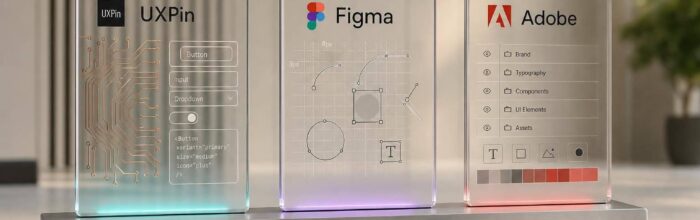
Design System Tools: UXPin vs Figma vs Adobe for Enterprise Teams
Compare UXPin, Figma, and Adobe for enterprise design systems—code-backed vs design-led workflows, governance, tokens, and delivery speed.

Interactive Prototyping: Comparing UXPin’s Approach to Competitors
Compare UXPin's production-aligned prototyping with Figma, Sketch, and Adobe XD to choose the right workflow.

UXPin vs Balsamiq vs Axure: Interactive Prototyping Showdown
Compare three prototyping tools by fidelity, interaction depth, team workflow, and design-to-dev handoff to pick the right fit.

Code-First Design: When to Use UXPin Instead of Traditional Design Tools
Design with real React components when behavior matters to cut handoff, reduce rework, and align prototypes with production.

UXPin vs Sketch: Feature Breakdown & Pricing Comparison
Compare a code-first, browser-based prototyping workflow with a Mac-focused visual editor to weigh features, collaboration, and cost.
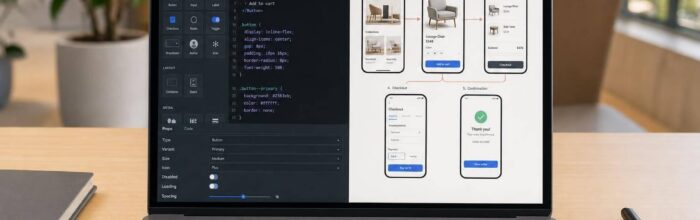
UXPin vs Adobe XD: Which Prototyping Tool is Best?
Pick a code-backed prototyping platform for tightly aligned design and development, or a vector-focused tool for fast visual screen flows.

UXPin vs Figma: Code-Based Design Comparison 2026
Pick a source of truth: code-backed components to cut rebuilds or visual-first tools for faster mockups and inspection.
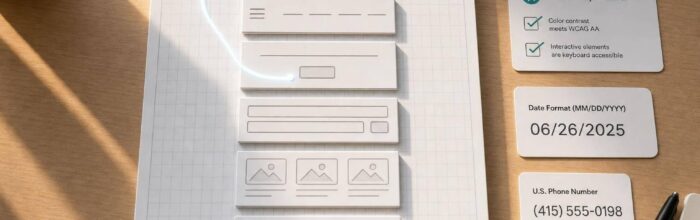
How to build a landing page using Claude Haiku 4.5 + Custom Design Systems – Use UXPin Merge!
Use AI to draft structure and copy, build with UXPin Merge's code-backed React components, and validate accessibility and U.S. formats.
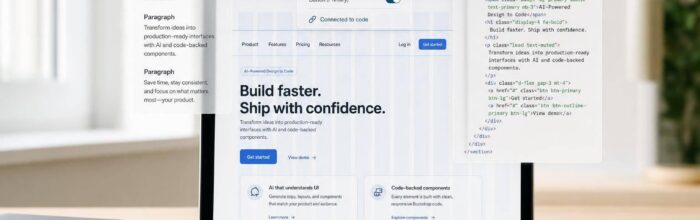
How to build a landing page using Claude Haiku 4.5 + Bootstrap – Use UXPin Merge!
Use AI to draft copy and Bootstrap HTML, then build a responsive landing page and prototype with code-backed components for faster handoff.

How to build a landing page using Claude Haiku 4.5 + Ant Design – Use UXPin Merge!
Turn AI prompts into a code-backed landing page using Ant Design and UXPin Merge for fast, production-ready prototypes.

How to build a landing page using Claude Haiku 4.5 + shadcn/ui – Use UXPin Merge!
Plan copy with Claude, map sections to shadcn/ui components, and build a testable prototype in UXPin Merge.