Blog 12 min read
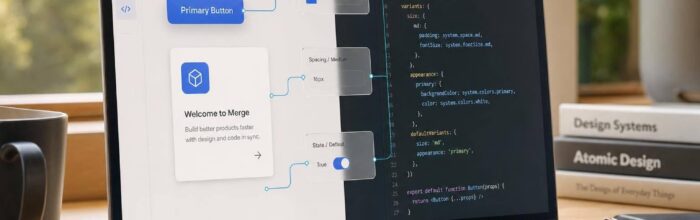
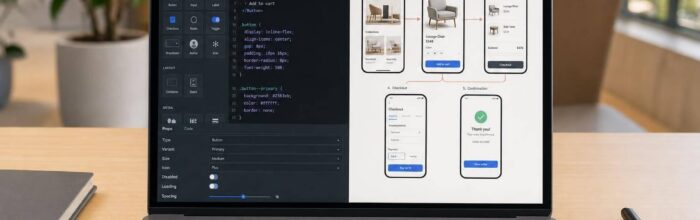
Build production-ready, code-backed prototypes by syncing your design system to UXPin and adding real props, states, logic, and data.
Aug 29, 2026 Blog
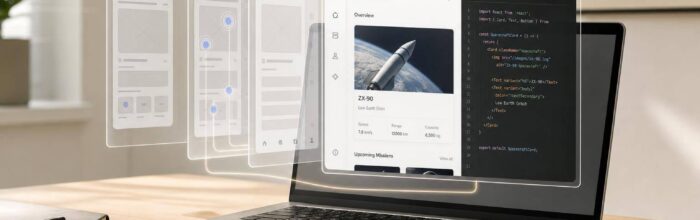
Prototype with real React components via UXPin Merge—sync props, tokens, and interactions to reduce rework and align design with code.
Aug 12, 2026 Blog
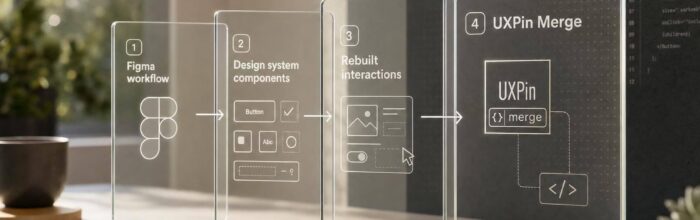
Compare workflows and migration steps when moving from Figma to UXPin, including design systems, Merge, and rebuilding interactions.
Aug 10, 2026 Blog
Compare UXPin and Figma on prototyping depth, design-system parity, handoff, and pricing to pick the best fit for your team.
Aug 9, 2026 Blog
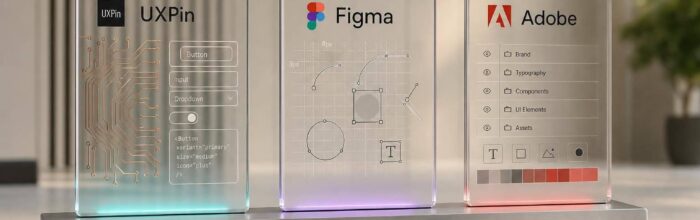
Compare UXPin, Figma, and Adobe for enterprise design systems—code-backed vs design-led workflows, governance, tokens, and delivery speed.
Aug 8, 2026 Blog
Compare UXPin's production-aligned prototyping with Figma, Sketch, and Adobe XD to choose the right workflow.
Aug 7, 2026 Blog
Compare three prototyping tools by fidelity, interaction depth, team workflow, and design-to-dev handoff to pick the right fit.
Aug 6, 2026 Blog
Design with real React components when behavior matters to cut handoff, reduce rework, and align prototypes with production.
Aug 5, 2026 Blog
Compare a code-first, browser-based prototyping workflow with a Mac-focused visual editor to weigh features, collaboration, and cost.
Aug 4, 2026 Blog
Pick a code-backed prototyping platform for tightly aligned design and development, or a vector-focused tool for fast visual screen flows.
Aug 3, 2026 Blog
Pick a source of truth: code-backed components to cut rebuilds or visual-first tools for faster mockups and inspection.
Aug 1, 2026 Blog
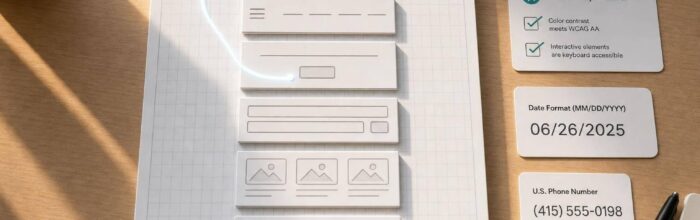
Use AI to draft structure and copy, build with UXPin Merge's code-backed React components, and validate accessibility and U.S. formats.
Jul 31, 2026 Blog
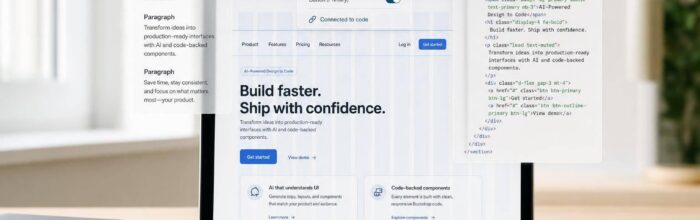
Use AI to draft copy and Bootstrap HTML, then build a responsive landing page and prototype with code-backed components for faster handoff.
Jul 30, 2026 Blog
Turn AI prompts into a code-backed landing page using Ant Design and UXPin Merge for fast, production-ready prototypes.
Jul 29, 2026